
Why Are Sales Teams Really Losing Deals?
Sales teams often lose deals not because of a weak product or a poor pitch, but because of operational friction. Critical customer information gets scattered across spreadsheets, email threads, and personal notes, leading to a disconnected and inefficient sales process. This fragmentation means reps lack the full context they need for every interaction, causing delays, missteps, and ultimately, lost revenue. The root cause is a reliance on a patchwork of tools that don't communicate with each other.
Think about your team's typical day. A lead comes in. The details go into a CRM. The first call is made from a personal mobile, with notes scribbled on a pad. A follow-up email is sent from Outlook. A task is created in a separate project management tool. It's a recipe for disaster.
This disjointed approach creates several specific problems:
- Context Switching Kills Productivity: Constantly jumping between a CRM, a dialer, an email client, and a calendar drains time and mental energy. A study by the American Psychological Association found that even brief mental blocks created by shifting between tasks can cost as much as 40 percent of someone's productive time.
- Valuable Call Data is Lost: When reps use their personal phones, crucial details from conversations never make it back into the CRM. What was the customer's biggest hesitation? Who is the key decision-maker they mentioned? This data evaporates the moment the call ends.
- Follow-up is Inconsistent: Without a single source of truth, it's nearly impossible to track interactions and automate follow-ups effectively. Deals fall through the cracks simply because no one knew it was their turn to act.
- Onboarding and Coaching are Difficult: How can you coach a new rep on their call performance if you have no record of their calls? Without recordings or transcripts, managers are left guessing, unable to provide targeted, effective feedback.
How Does a Unified Pipeline and Calling System Solve This?
A unified pipeline and calling system, a core component of modern sales automation software, centralizes every sales activity into a single platform, providing a complete 360-degree view of every customer relationship. Instead of juggling multiple apps, reps work from one screen where they can manage leads, make calls, send emails, and see the entire history of communication. This integration eliminates data silos and automates the busywork that slows salespeople down.
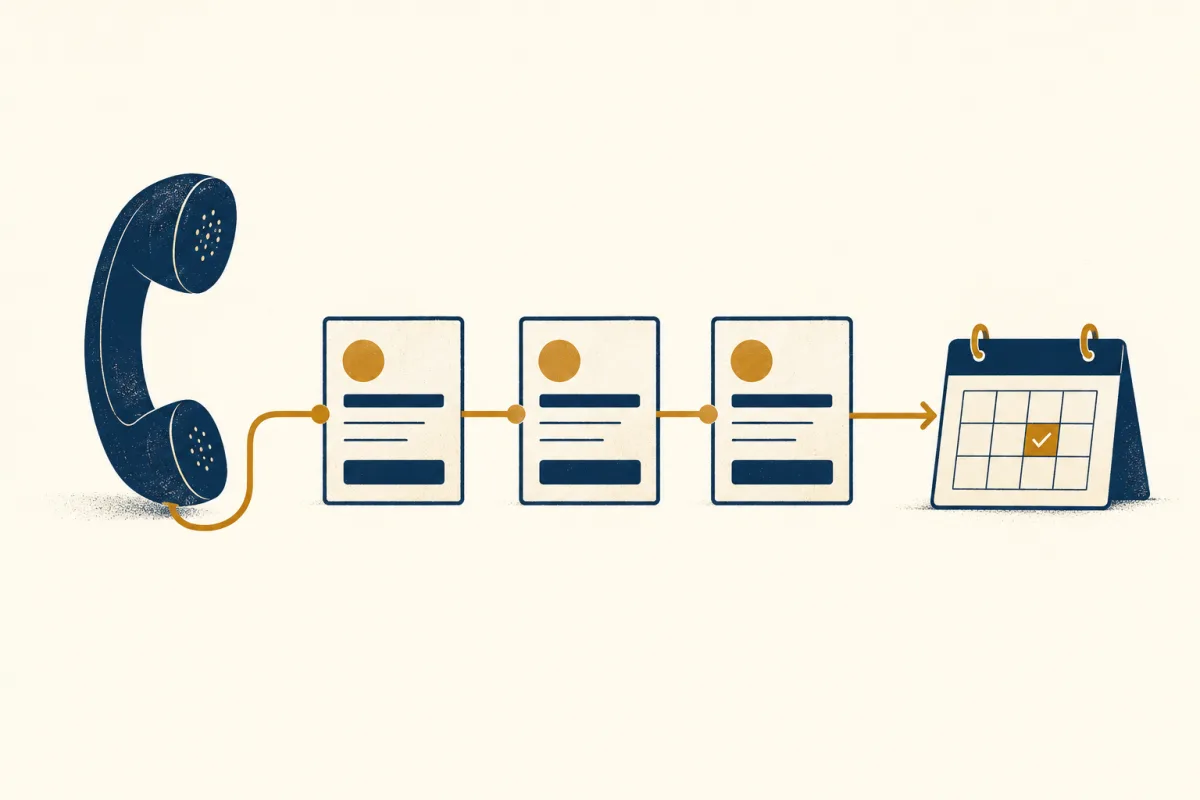
Imagine this instead: a new lead appears directly in your pipeline. You click a button to call them directly from your computer. The call is automatically recorded and transcribed by AI. Key action items are highlighted, and the entire record is attached to the contact's profile. Your next follow-up task is automatically scheduled. That's the power of unification.
This approach directly counters the problems of a disconnected system by creating a seamless flow of information. It's not just about convenience; it's about making your sales process smarter and more reliable. When everything is in one place, your team can focus on what they do best: building relationships and closing deals.
What Specific Features Should You Look For in Sales Automation Software?
When evaluating sales automation software, you should look for specific features that create a truly unified experience and eliminate the core problems of a scattered toolset. The goal is to find a platform where the whole is greater than the sum of its parts. Don't settle for a system that just bolts a dialer onto a clunky CRM; look for deep, seamless integration.
Use these requirements to evaluate the workflow with your own sales team:
- Integrated CRM and Visual Pipeline: Your contact data shouldn't just live in the system; it should be actionable. A visual drag-and-drop pipeline allows reps to see their entire workflow at a glance and managers to spot bottlenecks instantly.
- In-System Calling (VoIP): The ability to click-to-call directly from a contact's record is a massive time-saver. This eliminates manual dialing and, more importantly, keeps a log of every attempted and completed call automatically.
- AI-Powered Call Recording and Transcription: This is the game-changer. Automatic recording and transcription create a searchable database of every sales conversation. Reps can review details without relying on memory, and managers can use transcripts for coaching and identifying winning talk tracks.
- Workflow Automation: A powerful sales automation software should handle the busywork. Look for the ability to create rules that automatically trigger tasks, send follow-up emails, or move deals to the next stage based on activities like a completed call.
How Do Different Sales Tool Setups Compare?
Choosing the right toolset is a critical decision, as it directly impacts your team's efficiency and ability to scale. The options generally fall into three categories: a manual, disconnected approach; using flexible project management tools as a workaround; or adopting a purpose-built, unified platform. Understanding the trade-offs is key to making an informed choice for your business.
Here’s a head-to-head comparison of these common approaches:
| Feature | Disconnected Tools (Spreadsheets + Phone) | PM Tools as CRM (e.g., ClickUp, Notion) | Unified Platform (e.g., ThriveBase) |
|---|---|---|---|
| Data Centralization | None. Data is siloed and requires manual consolidation. | Possible, but requires extensive manual setup and customization. | Built-in. All contact, deal, and communication data is in one place by default. |
| Call Logging | Fully manual. Prone to errors and omissions. | Requires third-party integrations (if available) or manual entry. No native calling. | Automatic. In-system calls are logged, recorded, and transcribed instantly. |
| Sales-Specific Features | None. Lacks pipeline management, forecasting, and lead scoring. | Limited. Can mimic a pipeline with boards, but lacks true sales analytics. | Extensive. Purpose-built for sales workflows, reporting, and automation. |
| Ease of Use | Simple to start, but becomes incredibly complex and messy as you scale. | High initial setup complexity to configure for sales processes. | Designed for sales teams. Intuitive and ready to use out-of-the-box. |
What Are the Real-World Benefits of Making the Switch?
Measure the change using your own baseline: time spent logging calls, follow-ups completed on time and opportunities without a next action. Review those measures after a pilot before attributing an improvement to the software.
Here’s what you can realistically expect:
- Increased Selling Time: By automating data entry, call logging, and follow-up reminders, you give your reps back hours each week. This is time they can reinvest in prospecting, building relationships, and having more high-value conversations.
- Higher Win Rates: With the full context of every past interaction at their fingertips, reps can have smarter, more personalized conversations. They're better prepared to handle objections and guide prospects to a decision, which directly translates to more closed-won deals.
- Improved Sales Coaching: With call recordings and AI transcriptions, managers can move from generic advice to data-driven coaching. They can review specific calls, identify areas for improvement, and even pinpoint winning phrases from top performers to share with the team.
- Enhanced Customer Experience: Nothing frustrates a potential customer more than having to repeat themselves. A unified system ensures any team member can pick up a conversation with full context, providing a seamless and professional experience that builds trust. If you're tired of hearing that you need a new CRM, it's often because of this disjointed customer experience.
The switch is about more than just new software; it's about upgrading your entire sales process to be more intelligent, efficient, and customer-centric. As you explore all-in-one platforms, you'll see how this unification is a cornerstone of modern business management.
What's the Bottom Line on Fixing Your Sales Process?
If your sales team is consistently losing winnable deals, it's time to look past the symptoms and address the root cause: a fragmented and inefficient sales stack. Relying on disconnected tools creates data silos, wastes valuable time on manual admin, and robs your team of the context they need to win. The solution lies in centralizing your workflow with a unified system.
Here are the key takeaways:
- Scattered Data is Your Enemy: The primary reason for lost deals is often a lack of accessible, centralized customer information.
- Unification is the Solution: A platform with an integrated pipeline and in-system calling provides a single source of truth for all sales activities.
- Look for Key Features: Prioritize in-system calling with AI transcription and robust workflow automation to maximize your ROI.
- The Benefits are Tangible: A unified approach leads directly to more selling time, higher win rates, and a better customer experience.
If scattered call notes and missed handovers are slowing your team down, test a complete call-to-follow-up workflow in ThriveBase. Check that the right person can find the conversation, update the opportunity and assign the next action.
Frequently Asked Questions
What if I just integrate my existing tools instead of switching?
While integrations can help, they often create another layer of complexity. You become reliant on third-party connectors like Zapier, which can be fragile and costly. A native, all-in-one platform eliminates these failure points and provides a much deeper, more reliable level of integration between features.
Is this type of sales automation software difficult to set up?
Allow time to connect your calling service, check permissions, import a sample of contacts and train the team. Start with a small pilot and verify that call records and follow-up tasks are visible to the right people.
How does AI call transcription actually help my sales team win more deals?
AI transcription turns every conversation into searchable data. Reps can instantly find key details without re-listening to entire calls. Managers can search for competitor mentions or pricing objections across all calls to identify trends and refine sales strategy, providing a massive data-driven advantage.